Ubuntu is a popular Linux distribution used by many individuals and organizations. Sometimes, you may encounter a situation where a process is causing issues, and you need to locate and kill it to restore system stability. In this article, we will discuss how to locate and kill a process on Ubuntu 22.04 using terminal commands.
Step 1: Identifying the Process
To locate a process, you need to know its name or PID (Process ID). There are several commands that can help you identify the process running on your Ubuntu system. Here are some of them:
- top: This command shows a live view of the processes running on your system. It provides information such as the process name, PID, CPU usage, and memory usage. To use the top command, open the terminal and type the following command:
top
- ps: This command displays a snapshot of the processes running on your system. It provides information such as the process name, PID, and status. To use the ps command, open the terminal and type the following command:
ps
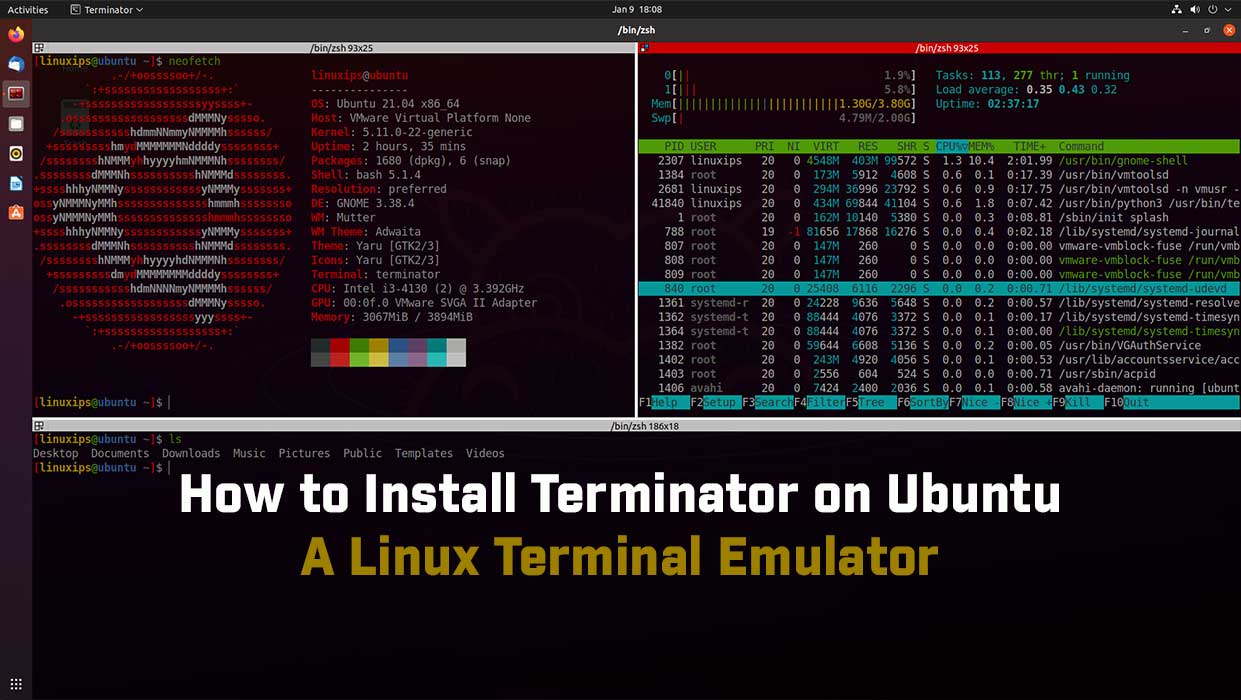
- htop: This command is similar to the top, but it provides a more user-friendly interface. To use the htop command, open the terminal and type the following command:
htop
Step 2: Killing the Process
Once you have identified the process that you want to kill, you can use the kill command to terminate it. The kill command sends a signal to the process, asking it to terminate gracefully. If the process does not respond, you can use the kill command with the -9 option to force it to terminate. Here’s how to use the kill command:
- Using the PID: If you know the PID of the process, you can use the following command to kill it:
kill PID
- Using the process name: If you know the name of the process, you can use the following command to kill it:
killall PROCESS_NAME
- Forcefully terminating a process: If a process is not responding to the kill command, you can use the following command to forcefully terminate it:
kill -9 PID
Conclusion
We learn in this article how to locate and kill a process on Ubuntu 22.04. Locating and killing a process on Ubuntu using terminal commands is a simple process. By using the commands discussed in this article, you can easily identify and terminate the processes that are causing issues on your system. It is important to use caution when using the kill command, as terminating the wrong process can have unintended consequences.
Related Linux Tutorials: